
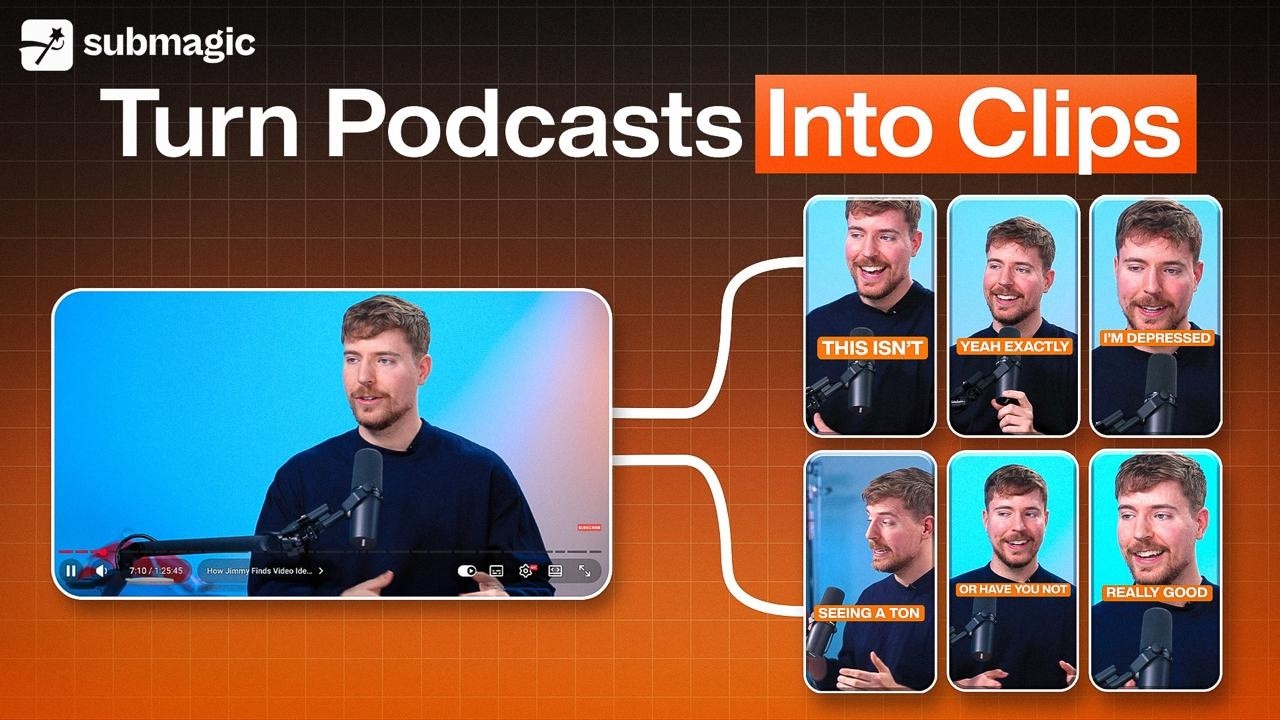
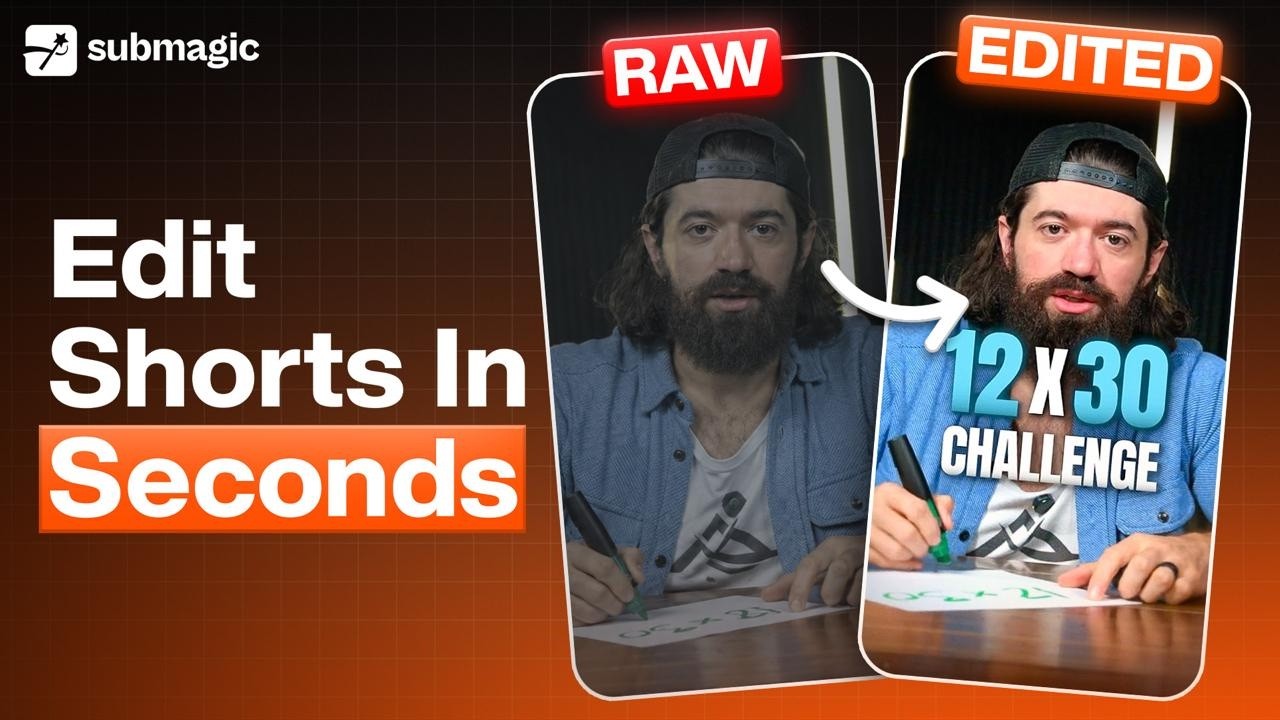
How do you turn an Instagram Reel or YouTube Short into your own Iris template?
If you like the way a short video is edited, Iris can copy that editing style and apply it to your own footage. This takes about two minutes and costs 4 credits.
What a reel template does
A template is an editing style. Iris studies a short video, works out how it was edited, and applies the same treatment to your footage.
It copies the captions, cards, cuts and camera moves. It does not copy the other creator's footage, voice or music into your video.
Make one when the 37 built-in templates do not match the look you want, or when you want every video you post to match one reference.
Before you start
What | Requirement |
|---|---|
Where the reel comes from | Instagram Reels or YouTube Shorts |
Length of the reel | 10 seconds to 3 minutes |
Cost | 4 credits |
Time to build | About 2 minutes |
Note: the link has to be public. A private or restricted post cannot be opened.
Tip: pick a reel with the editing you want, not just a topic you like. Iris copies the style, not the subject.
How to create the template
Step 1. Open the style gallery
On your Submagic home page, under Create a Project, click Iris · AI editing agent. The style gallery opens.
Step 2. Click Create from a reel
It is the first card in the gallery, next to Your own style.

Step 3. Paste the link
Copy the reel's link from Instagram or YouTube and paste it into Reel link.
Step 4. Name it
The Name field is optional, but a clear name makes the template easy to find later. Use something like "Fast cuts, big captions" rather than the default.
Step 5. Click Create template
The button shows the cost, +4 credits. Your balance appears below it.

What happens next
Iris works through six steps and shows you where it has got to. One of them is Watching it frame by frame, where it looks at a frame every half second to learn the cuts and the camera moves.
The screen shows how much time is left. You can close the page while it runs, and Submagic tells you when the template is ready.

How to use your template
- Open the style gallery and click the My templates filter. Your saved styles are there.
- Click Use on the one you want.
- Set your editing options and upload your footage, the same as with any built-in template.
Editing a video costs 8 credits, whichever template you use. You pay the 4 credits for the template once, then reuse it as often as you like.
Common questions
Can I use someone else's reel? Iris only studies how the video is edited. None of the other creator's footage, voice or music ends up in your video.
Do I pay 4 credits every time I use the template? No. You pay 4 credits once, when you create it. After that it works like any other template, at 8 credits per video.
Can I make a template from my own video? Yes, as long as it is posted as an Instagram Reel or a YouTube Short and the link is public.
Updated on: 11/11/2026
Thank you!