
What is Iris in Submagic and how does it edit your videos?
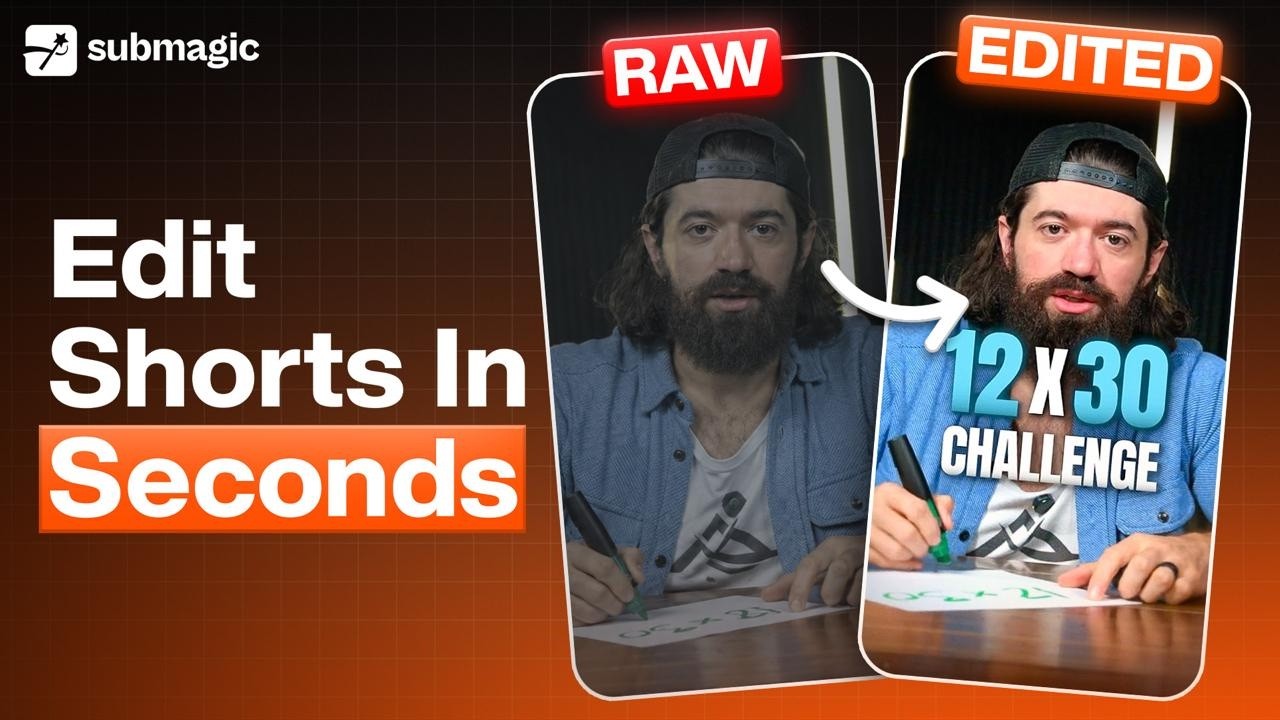
Iris is an AI editing agent inside Submagic. You upload raw footage and pick a style, and Iris returns a finished short video. It cuts the footage, adds captions, zooms, b-roll, music and motion graphics in one pass. You then ask Iris for changes in a chat, in plain language, until the video is right. Watch Iris in action Watch this first for the quick version: picking a style, uploading footage, and the edit Iris produces. The rest of this article covers each step in detail. ${frame}[loomFew readersHow do you turn an Instagram Reel or YouTube Short into your own Iris template?
If you like the way a short video is edited, Iris can copy that editing style and apply it to your own footage. This takes about two minutes and costs 4 credits. How do you turn an Instagram Reel or YouTube Short into your own Iris template? What a reel template does A template is an editing style. Iris studies a short video, works out how it was edited, and applies the same treatment to your footage. It copies the capFew readersHow do you ask Iris for changes to your video?
When Iris finishes an edit, you can ask it for changes in plain language, the same way you would talk to a video editor. Iris makes the change, saves a new version, and tells you what it did. Where the chat is Open your video in Iris. The Chat tab is the first of the five tabs on the right of the editor. Type into the box at the bottom and press the arrow to send. You can also use the microphone icon to speak your request instead of typing. ${frame}[How do you ask Iris for changes to yoFew readers