How To Use AI Auto Edit in Submagic

AI Auto Edit ✨
Create a ready-to-publish video in one click.
What is AI Auto Edit?
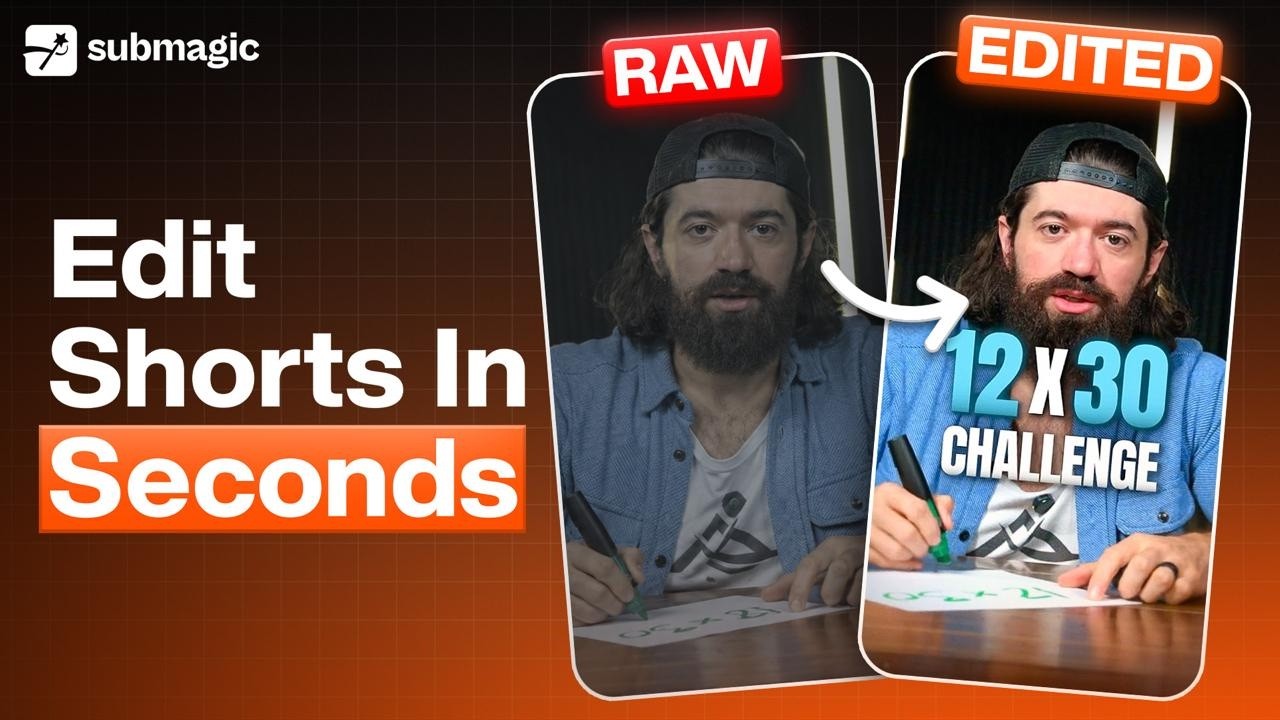
AI Auto Edit is a one-click editing feature in Submagic that automatically turns your uploaded video into a fully edited, high-quality short.
You simply upload a video, choose a style template, and the AI handles the rest no manual editing needed. You can find AI Auto Edit in your own dashboard at the top.
How It Works
- Upload your video
- Choose one of the 3 AI templates
- Click Auto Edit
That’s it. Submagic instantly delivers a finished video.
What the AI Handles for You
Once started, AI Auto Edit automatically applies:
- Captions and caption theme
- B-rolls
- Transitions
- Zooms and camera movements
- Overall pacing and structure
Everything is optimized for engagement.
Available Templates
Choose the style that fits your content:
Kelly
Style: Minimal, design
Clean visuals with a modern, distraction-free look.
Karl
Style: Effective, modern
Balanced and performance-focused for clear messaging.
Ella
Style: Dynamic, bold
High-energy edits designed to grab attention fast.
Updated on: 30/09/2026
Thank you!